The experience platform for NetSuite
One NetSuite.
Every experience.
SphericalBRM is a SuiteApp that runs point of sale, B2B ordering and customer self-service directly on your NetSuite account. Cashiers, buyers and partners work in branded screens; every sale, payment and invoice is a NetSuite record the moment it happens.
- Installed as a NetSuite SuiteApp
- No separate database to sync
- Screens configured in a page builder
Three ways people use it. One NetSuite account behind all of them.
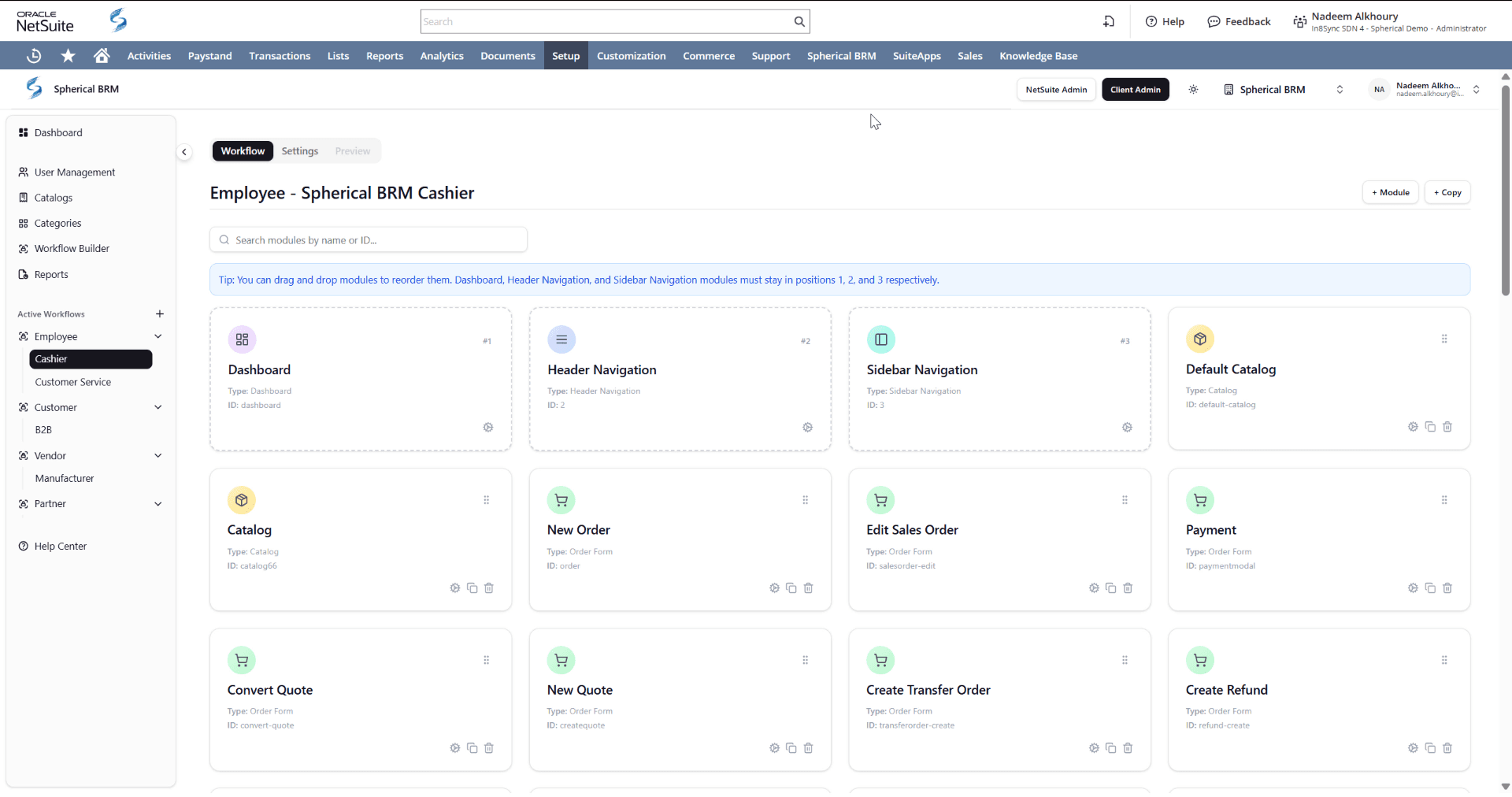
Each experience is a workflow: a set of screens for one kind of user, configured in the page builder and reading the same NetSuite customers, items, prices and transactions.
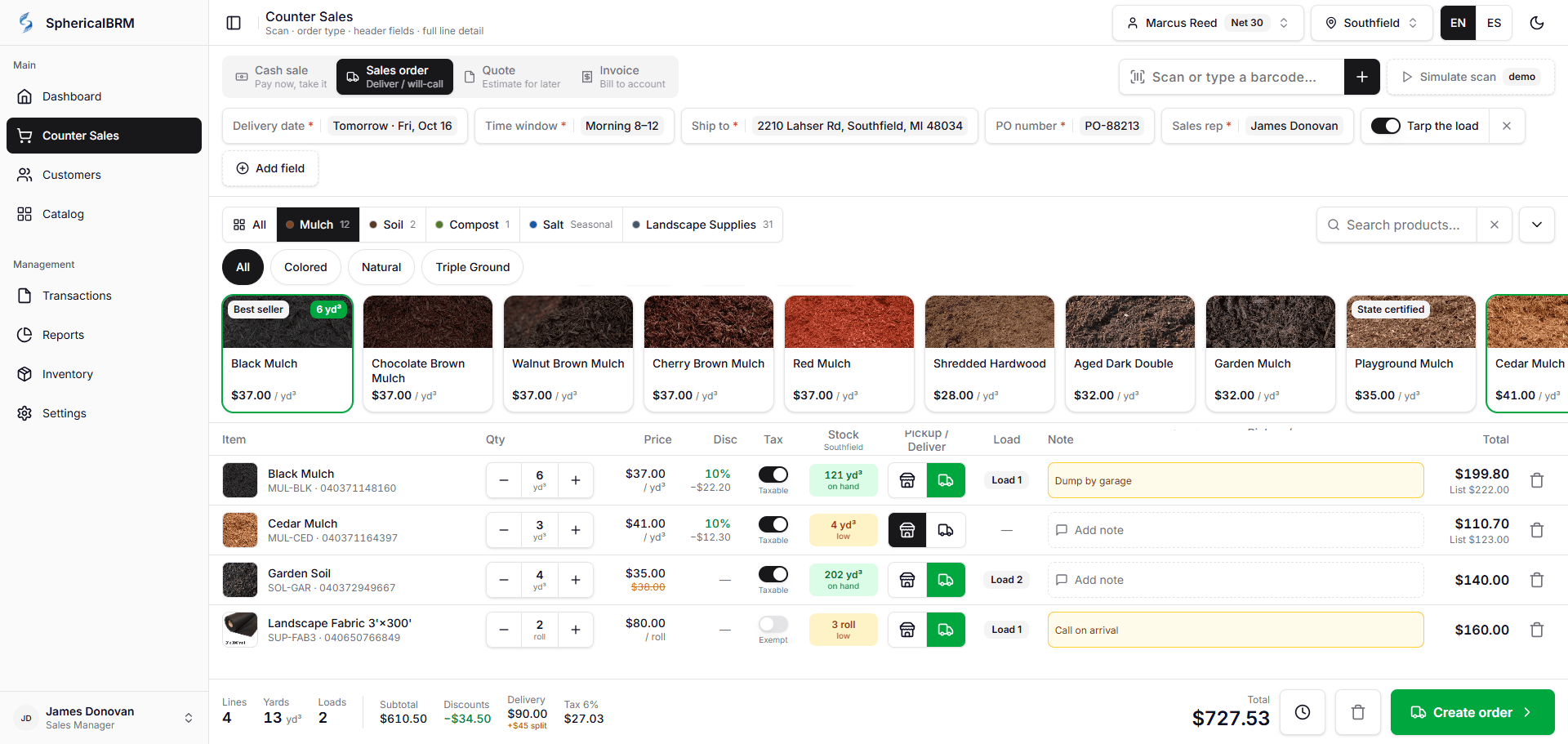
Store and counter staff
Point of Sale
- Scan, discount, take cash or card
- Cash drawer, PIN overrides, end-of-day
- Returns and exchanges against the original sale
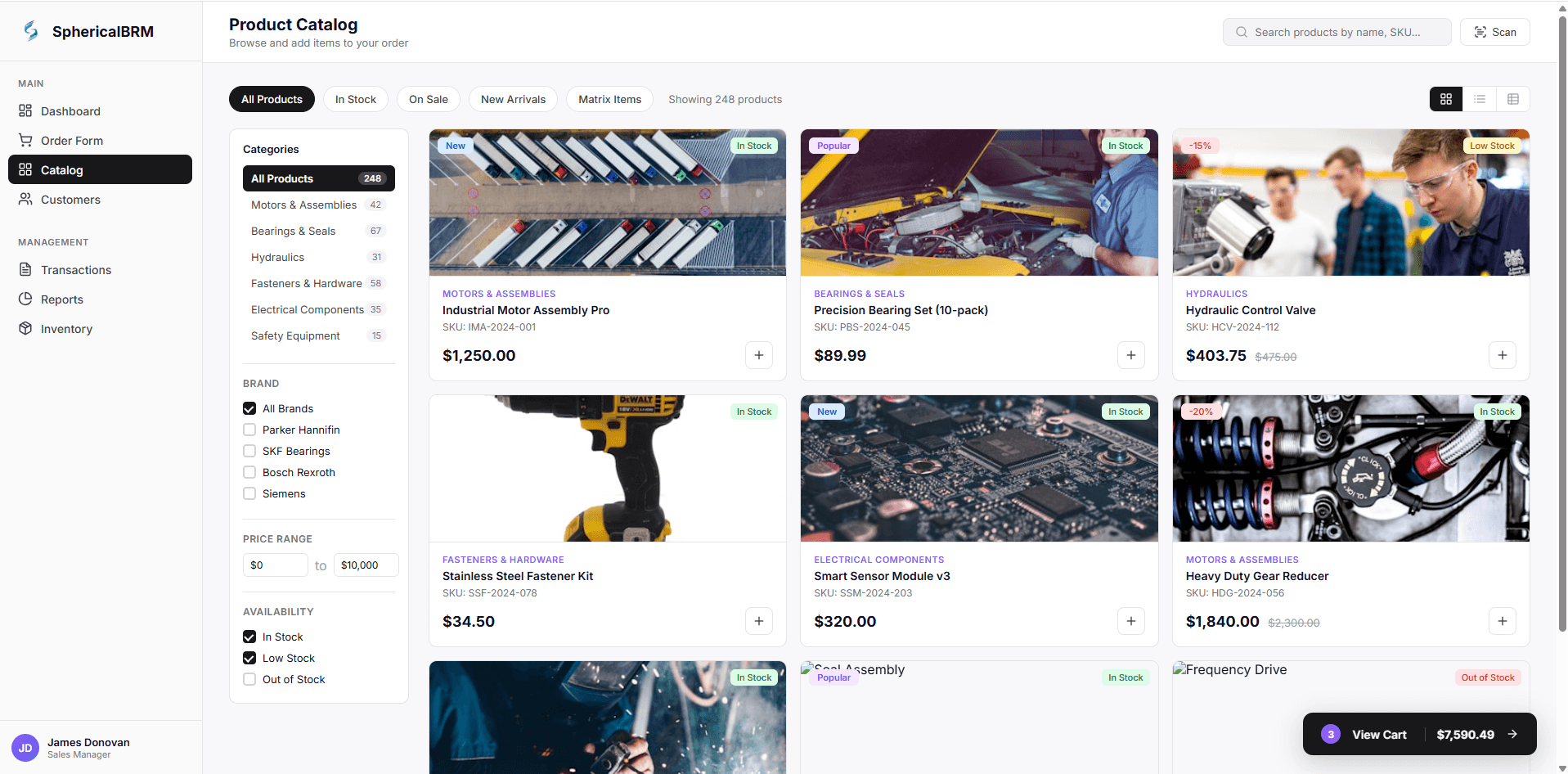
Wholesale buyers
B2B Ordering Portal
- Their catalog, their price level
- Orders land as NetSuite sales orders
- Track shipments, pay invoices, reorder
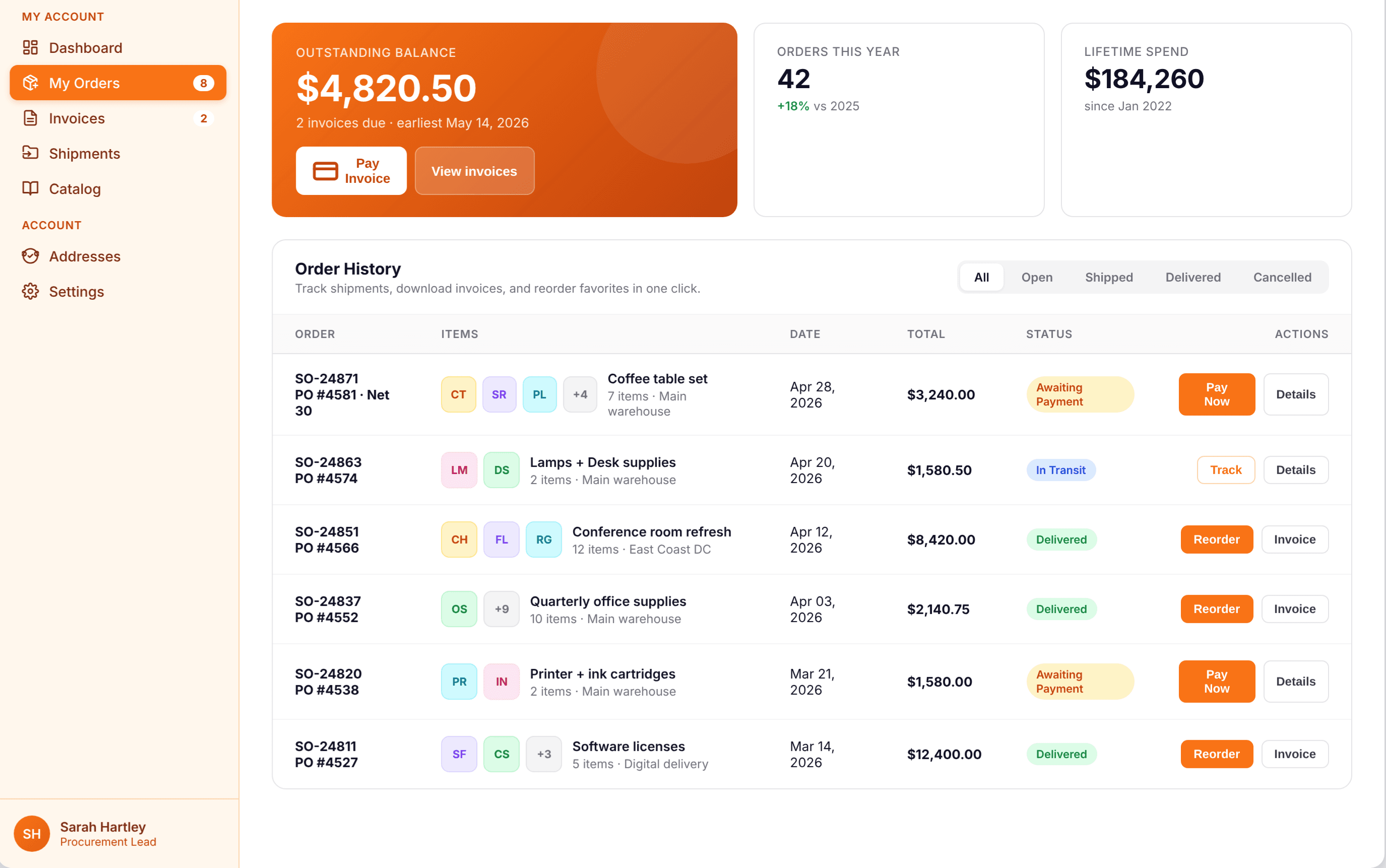
Any customer with an account
Customer Self-Service
- Open invoices and statements
- Pay by card, in full or in part
- Order status, returns, support cases
Also built from the same workflows
- Partner PortalResellers and referral partners see their linked customers, transactions, open invoices and cases.
- Sales Rep OrderingReps look up customers, quote, order on their behalf and track history from a tablet or laptop.
- Vendor PortalNewSuppliers see their NetSuite purchase orders and transaction history without calling purchasing.
See the product
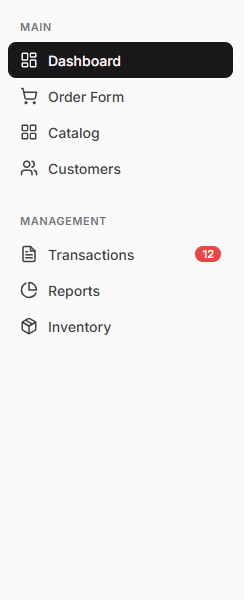
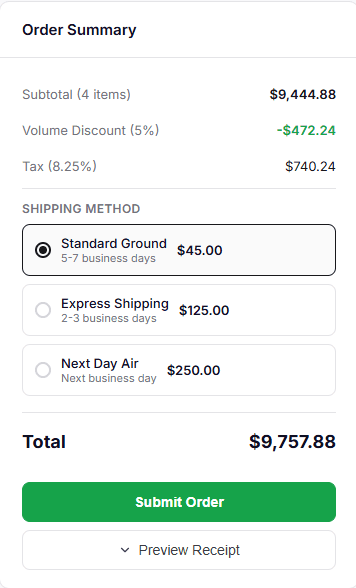
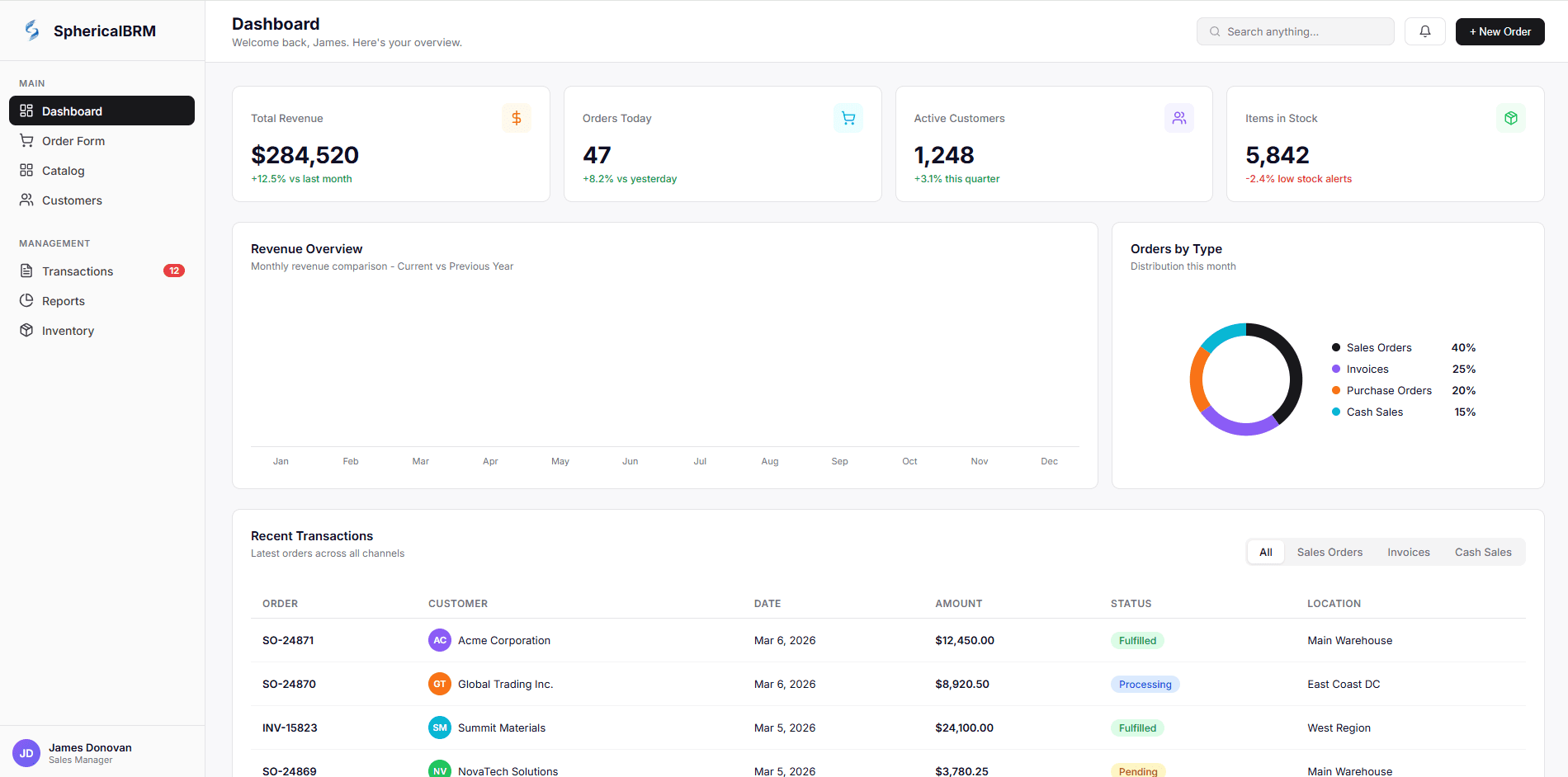
A short tour of the dashboard, order form and transactions, then four supported workflows step by step.
Scan, discount, pay, print — a cash sale in NetSuite
- 1Cashier signs in with a PIN and opens the drawer with a float
- 2Scans items; the customer's price level and holds come from NetSuite
- 3Line discount over the limit asks for a manager PIN, logged to NetSuite
- 4Cash, card terminal, gift certificate or on-account — split if needed
- 5Receipt prints; NetSuite holds the cash sale and payment immediately
How it works with NetSuite
Most point-of-sale and portal products keep their own database and push a copy of each transaction into NetSuite later. SphericalBRM does not have a database of its own: the screen writes the NetSuite record.
Your users' screens
- Point of sale
- B2B ordering
- Customer self-service
- Partner portal
Browser on PC, tablet or phone. Branded per subsidiary.
SphericalBRM SuiteApp
- Workflows & roles
- Page builder & themes
- NetSuite scripts (Suitelets, RESTlets)
- Submission queue & queue report
- Payment processor connectors
Installed inside your NetSuite account.
NetSuite records
- Customers & contacts
- Items, prices, promotions
- Cash sales, sales orders, invoices
- Customer payments & deposits
- Return authorizations, credit memos
- Purchase & transfer orders, receipts
- Support cases
Same forms, price levels, locations, subsidiaries and tax engine you already run.
- Installed in your account
- SphericalBRM is a SuiteApp bundle. It adds its records, scripts and portal files to your NetSuite account. Installing takes 10–30 minutes; updates ship the same way.
- No second database
- Portal screens read NetSuite through NetSuite scripts and write NetSuite transactions. Orders go through a queue record you can watch; there is no separate copy of your data to reconcile.
- Configured in a page builder
- A workflow is a set of screens for one kind of user. Screens are assembled from 70+ components, themed per subsidiary and published from the Admin Portal. Custom React components can be added when you need them.
- What is live and what is cached
- Transactions, balances and holds are read fresh. Catalog, images and prices are cached for speed and refresh on a schedule or a hard refresh. Stock is cached briefly.
Replacing NSPOS or SCIS? Read what to look for in a NetSuite-native POS
“In8Sync and the Spherical BRM software have been a gamechanger for our Point of Sale operations. We are extremely happy with the implementation process, the integration to NetSuite, the custom development that was done on our behalf, and the overall support we've received throughout our migration process. In8Sync is a true partner and has helped transform our business process with noticeable improvements. Our employees stated that the migration to this new system was the best and easiest transition they have ever experienced!”

Cacy Minter, Director of Web and Software Development
Ace Mart · SphericalBRM Point of Sale
“In8Sync's team gets hands-on when there's a technical roadblock, and their leadership takes ownership when something isn't right. That accountability is rare in a software partner.”
“In8Sync has been a valuable partner in helping us connect and optimize our NetSuite and ecommerce platforms. Their team has been responsive, knowledgeable, and easy to work with, and they have played an important role in supporting our B2B ecommerce initiatives.”



















Check it before you book
SphericalBRM is a shipping product with public documentation, named payment partners and a release every few weeks.
- A NetSuite SuiteApp, not a connector
- Installed from the SuiteApp listing into your own account; the software and your data stay in NetSuite.
- Documentation you can read today
- Admin, NetSuite-admin and end-user guides for every screen — installation, cash drawers, payments, catalogs, roles, SSO. docs.in8sync.com
- Current release 2.19.11, October 2026
- Updates are delivered as SuiteApp versions you apply in sandbox first, then production.
- Payment partners




Want to talk to a customer in your industry? Ask us for a reference call.
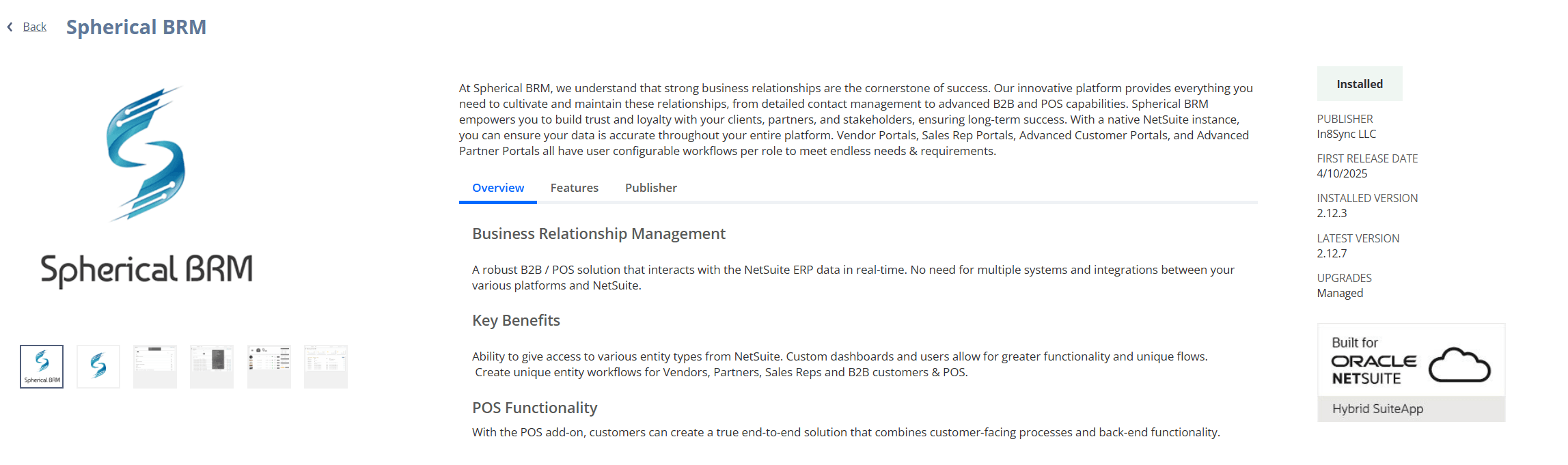
Configuration and rollout
Rollout is NetSuite configuration plus page-builder work, done with our team. How long it takes depends on how many roles, locations and payment setups you need — we scope it with you before you commit.
See it on a live NetSuite account
Tell us whether you care about the register, B2B ordering or customer self-service and we'll walk through those screens — and what it takes to run them on your account.
